KeepSift Free
Everything you need to find things again.
- Local screenshot discovery and OCR
- Keyword search and automatic categories
- Screenshot details and local actions
- One custom collection
- Indexing, recovery, and lifecycle tools
KeepSift turns the screenshots already on your phone into a private, searchable library—without sending their contents to a cloud service.
A calmer screenshot loop
KeepSift is built around the moment you need something—not around another system you have to maintain.
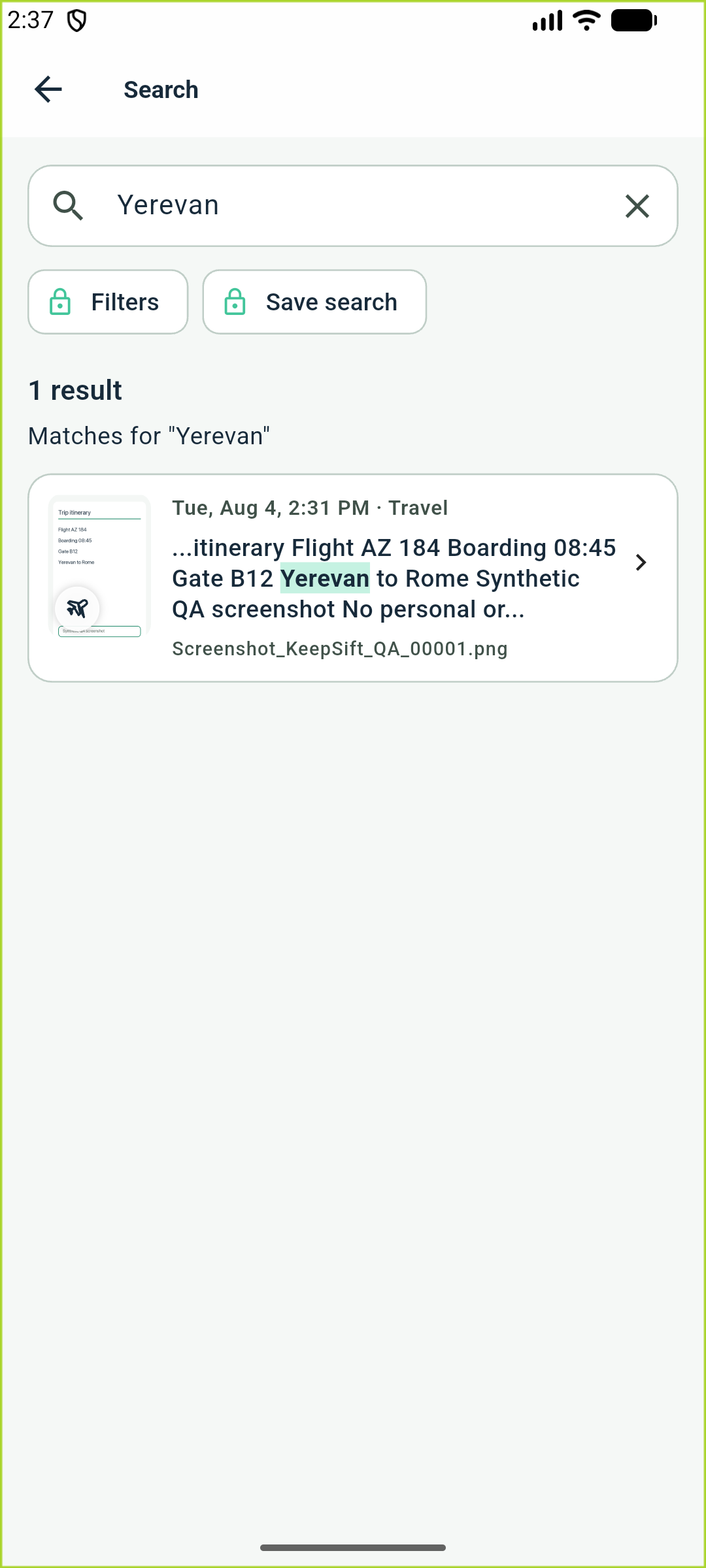
Search the words you remember. KeepSift indexes screenshot text in supported writing systems locally, so old details are easy to surface.
Open links, copy useful text, share a screenshot, or move it into a collection without losing your place.
Keep what matters, mark finished work as Completed, or permanently delete a screenshot through a separate, confirmed action.
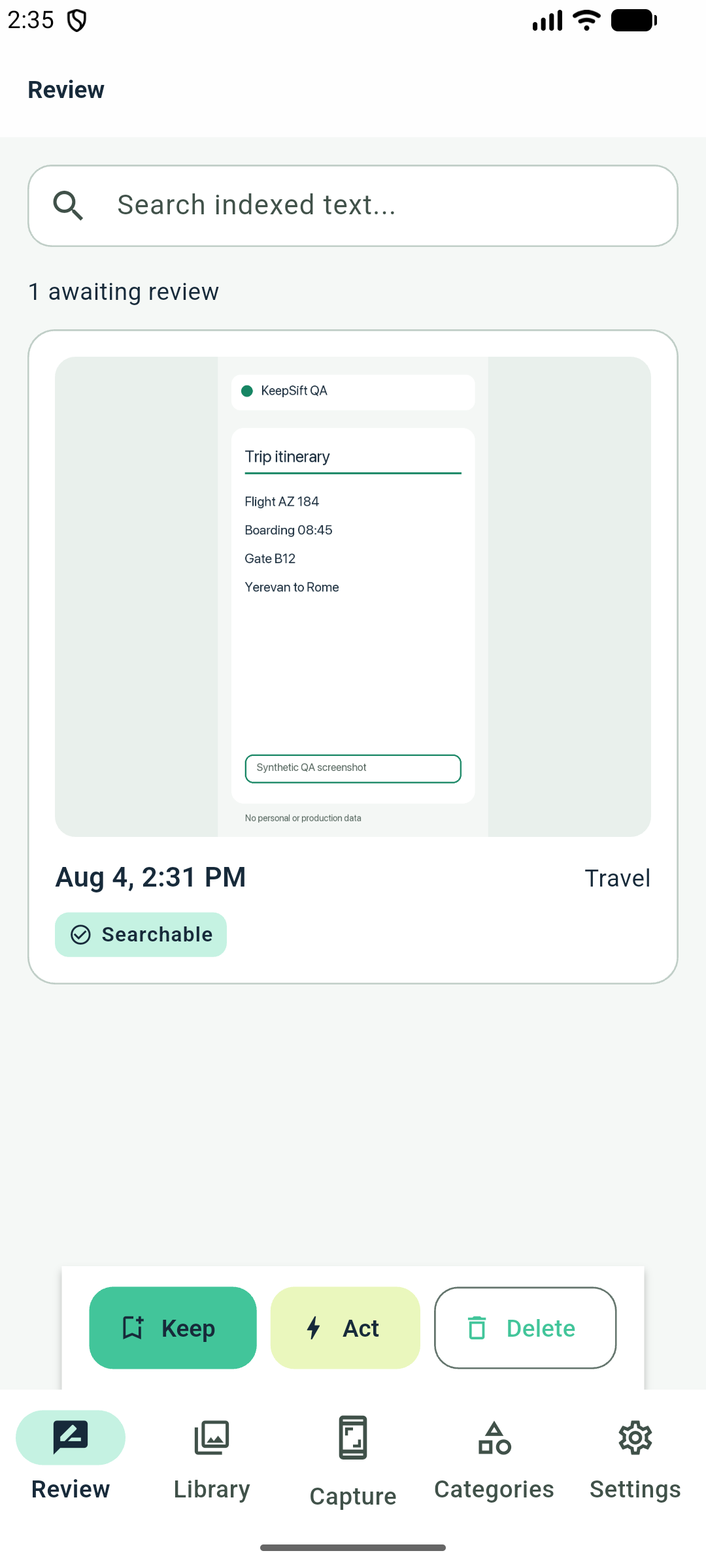
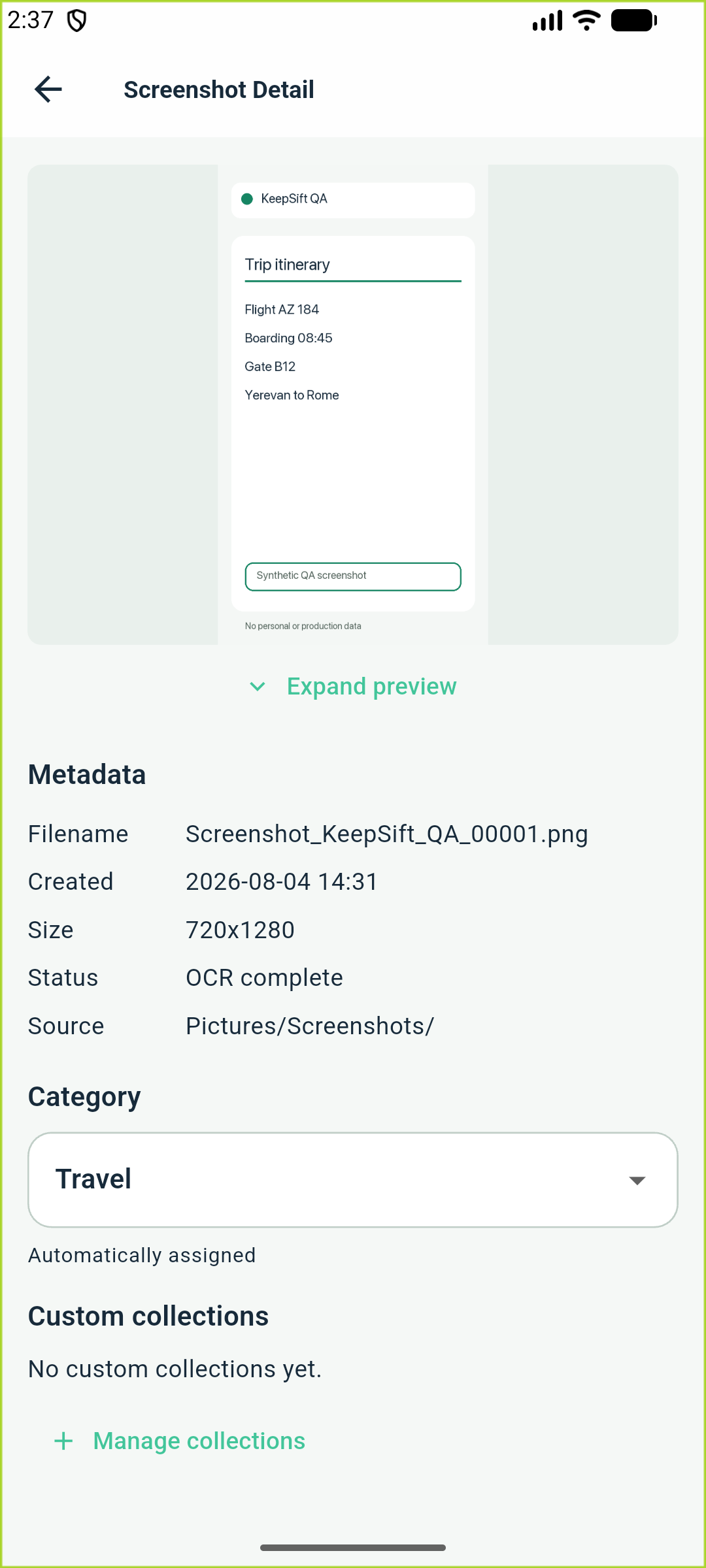
Android interface shown with synthetic content. The iOS version is being prepared in parallel.
Private by design
KeepSift reads the screenshots you permit, extracts text on your device, and stores its index locally. Your originals stay in your gallery unless you explicitly choose to delete them.
Read the privacy policyScreenshot contents and extracted text are not sent to KeepSift servers.
Background indexing starts off. Scan on app open starts on and can be changed in Settings.
KeepSift has no in-app analytics, crash reporting, or ads. The Android build also declares no internet permission.
Simple from day one
The core loop never sits behind a paywall. Pro is a one-time app-store purchase with no subscription.
KeepSift Free
KeepSift Pro
One-time purchaseGoogle Play shows the localized Android price. The App Store will show the iOS price when that version launches.
Good to know
The current Android app includes OCR profiles for Latin, Chinese, Devanagari, Japanese, Korean, and Armenian text, plus Russian and Bulgarian. Greek and other unlisted writing systems are not supported. Recognition quality varies with text size, style, contrast, compression, rotation, and mixed-language content.
KeepSift does not upload your screenshots or local index to us. Screenshot discovery, OCR, search, categories, and indexing run on your device. The Android build declares no internet permission; the iOS build has no KeepSift account, backend, or app telemetry. Information can still leave your device when you choose a platform action such as sharing, copying, or emailing, and your photo-library, backup, and transfer settings are controlled by your platform and device provider.
No. Local OCR, keyword search, automatic categories, screenshot details, recovery, and one custom collection remain free.
Google Play shows the one-time Pro purchase price in your local currency. The App Store will show its local price when the iOS version launches. Pro is not a subscription.
Where a platform version offers original-image deletion, it works only after you deliberately enable it and confirm a deletion action. Removing an item from KeepSift’s library does not automatically delete the original from your photo library.

KeepSift is available now on Google Play in 35 countries, including Armenia and the European Union.
Questions? Contact us